What the manager does
- Assign work by day, operation, parcel and responsible person
- Plan people, machines, hectares and expected hours
- Record completed, partial and postponed work once
- Carry unfinished parcels into the next plan
Build one practical plan for people, machines, operations and parcels. When the day changes, record what really happened without rebuilding the week in another file.
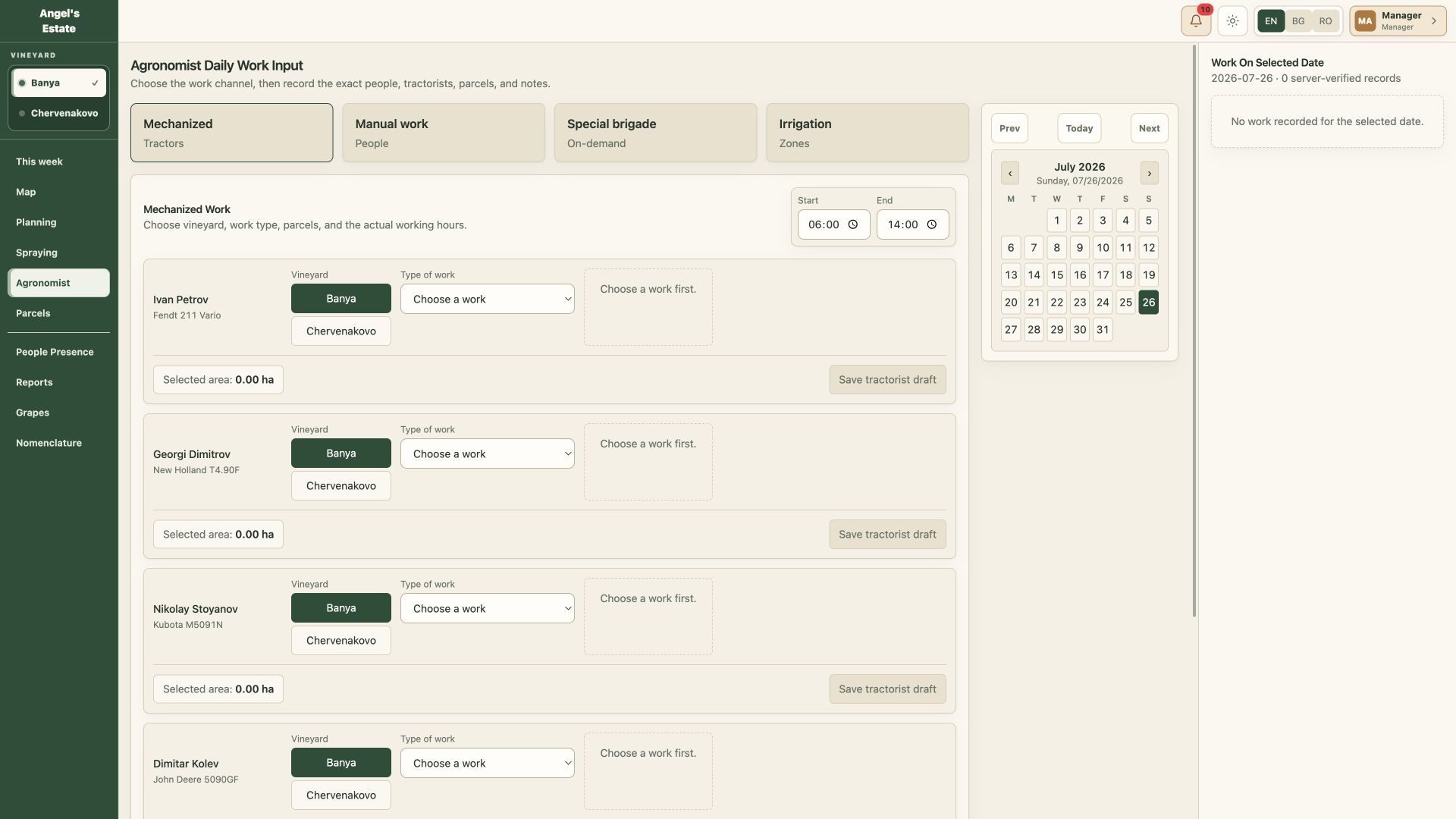
Choose the operation, parcels, people, machine and responsible person.
Record the real area, hours and result at the end of the day.
Keep unfinished work visible and move it into the next practical plan.
No. Vineyard work changes with weather, people and machinery. RowPlan keeps the original plan connected to the real result.
Yes. Record the completed surface and keep the remaining area open instead of marking the whole parcel as done.
No. The owner reads progress and open work from the same records the manager uses to close the day.
Bring one parcel and one typical working week. We will show where the plan, work record and management answer meet.